
Guide to Finding the Best Offline Break Reminder App for Mac
By ScreenSky ·
Compare offline Mac break reminder options and run an offline test before using one on a flight or restricted network.

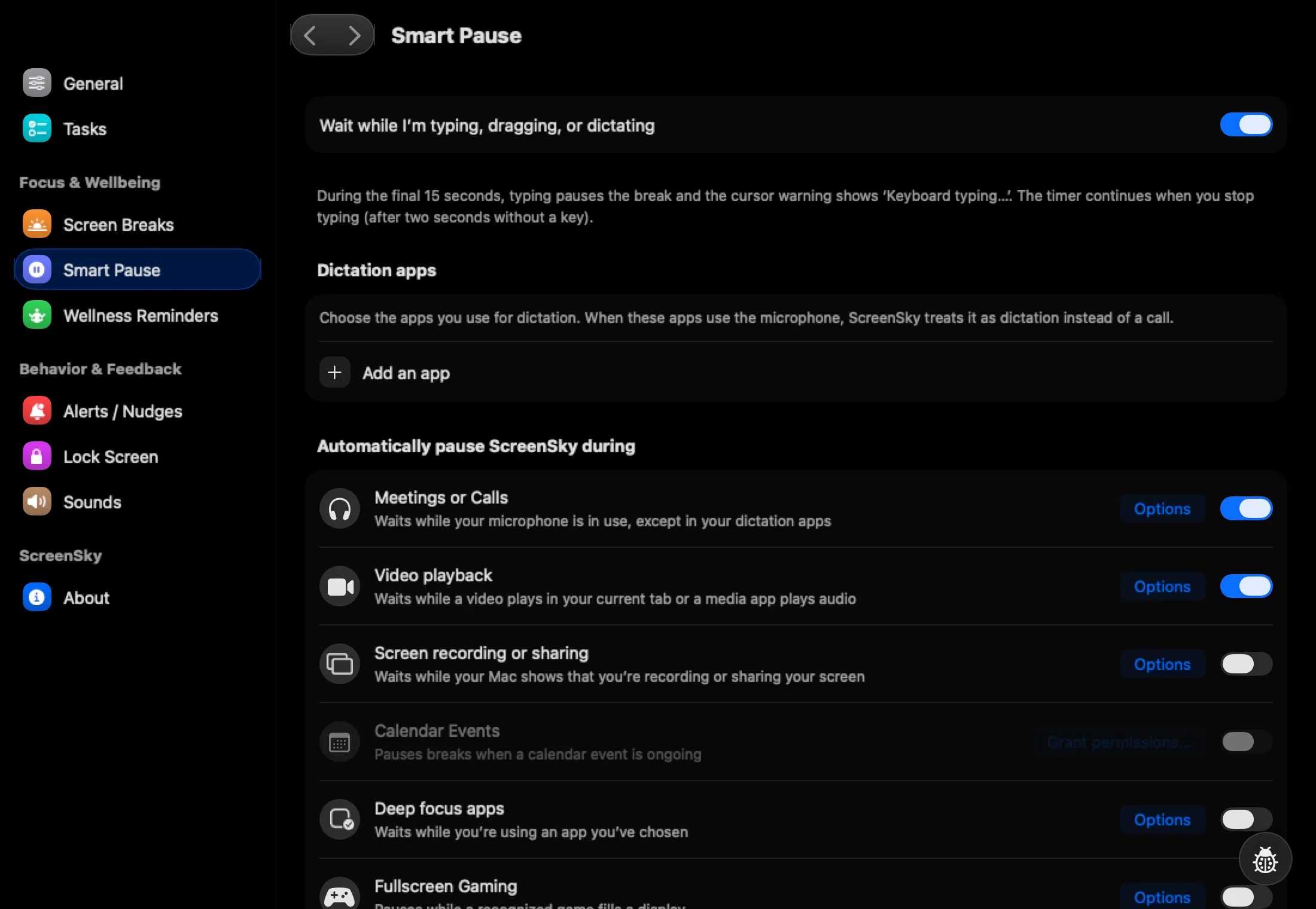
If you need break reminders on a flight or a restricted network, choose an installed Mac app and test it before leaving. ScreenSky’s timers, tasks, and wellness prompts run locally, and eligible activated versions continue to work offline. Activation and downloads require an internet connection. Stretchly is an option to try if you prefer an open-source desktop app or switch operating systems.
Do two tests before trusting an offline timer
First, finish installation and any activation while you have a connection. Set a short work interval, turn off Wi-Fi, quit and reopen the app, and let a break fire. Starting offline with the app already running tests less than a full relaunch.
Second, sleep and wake the Mac while disconnected. Check whether the reminder resumes and whether the settings you changed are still there. If you need a task list alongside the timer, create and reopen a throwaway task while offline. Restore your normal interval and connectivity afterward.
Check what the app uses a connection for
Keep separate notes for everyday use, first-time setup, and installing a newer version. An app can run its basic reminders offline and still connect for license checks or updates when you are online. If you use a managed Mac, confirm what you can install before deciding what to take with you.
For a short trip, do the offline test the day before. That gives you time to resolve an activation or installer issue while you still have access to the network.
Sources
- ScreenSky offline features and activation FAQ (checked )
- ScreenSky privacy and licensing policy (checked )
- Stretchly project (checked )

