Tasks. Focus. A little room to pause.

Features

Task management, healthy screen breaks, and everyday self-care in one Mac app.

PRODUCTIVITY WITH ROOM TO PAUSE

Keep making progress.
Take care of yourself.

Your day, with ScreenSky
FOCUS RESETS & HEALTHY BREAKSTime to choose again

Step away.
Come back with intention.

Take a full-screen break on your schedule. Show your pending tasks to choose what comes next, or hide them for a quieter pause.
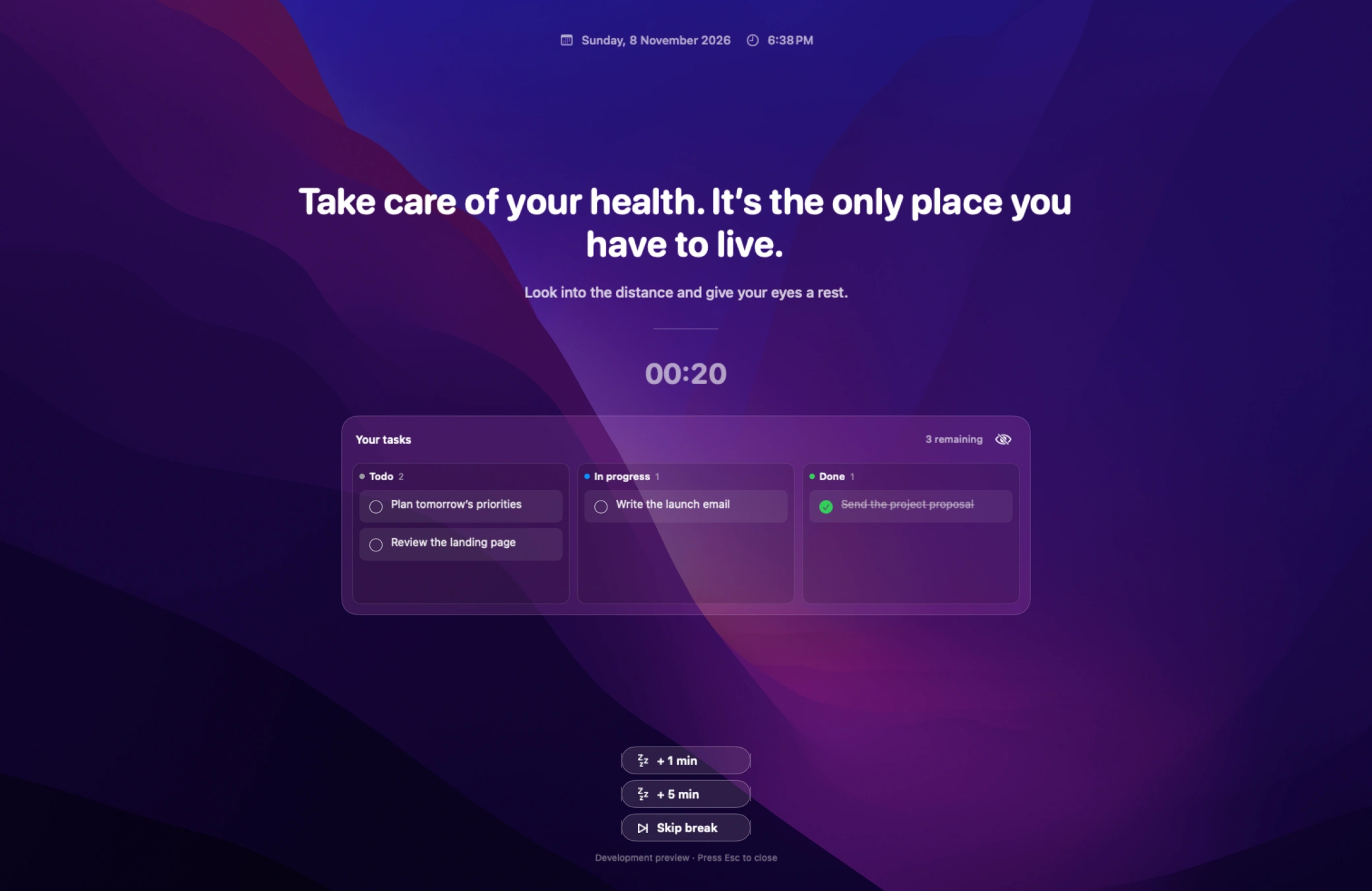
ScreenSky’s current full-screen check-in with pending tasks, timer and snooze controls
SMART PAUSE

Give your calls
some space.

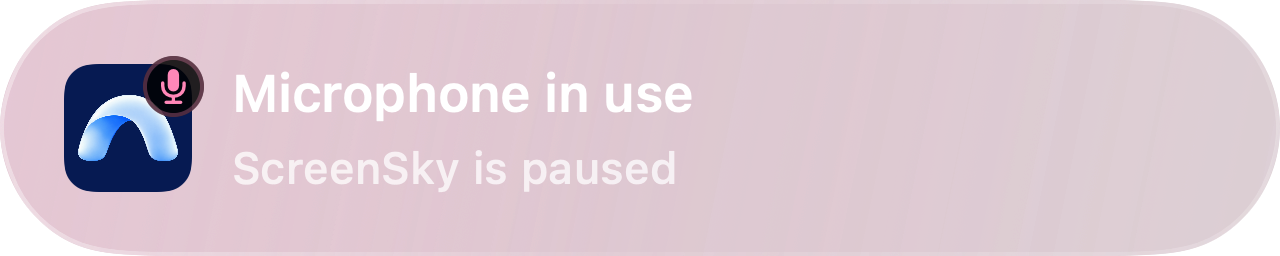
Native Microphone in use alert showing ScreenSky is paused

Your microphone is on. Your break timer can wait.

POSTURE

A little lift.

Relax your shoulders.

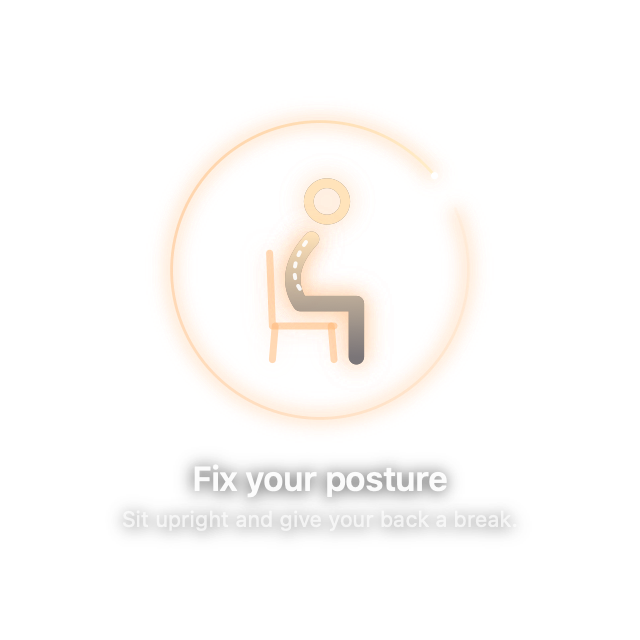
Native posture reminder with an orange orbit and seated figure
EYE CARE

A softer focus.

A gentle nudge to blink.
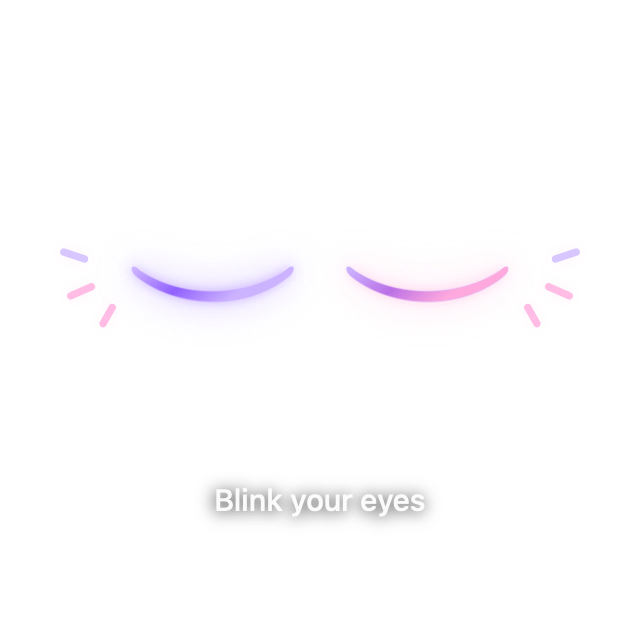
Native paired violet and pink blink reminder
TYPING DETECTION

Finish that thought.

The countdown can wait.

Native Keyboard typing countdown alert
A GENTLE HEADS-UP

A moment to wrap up.

A glass-style reminder with sound you can control.
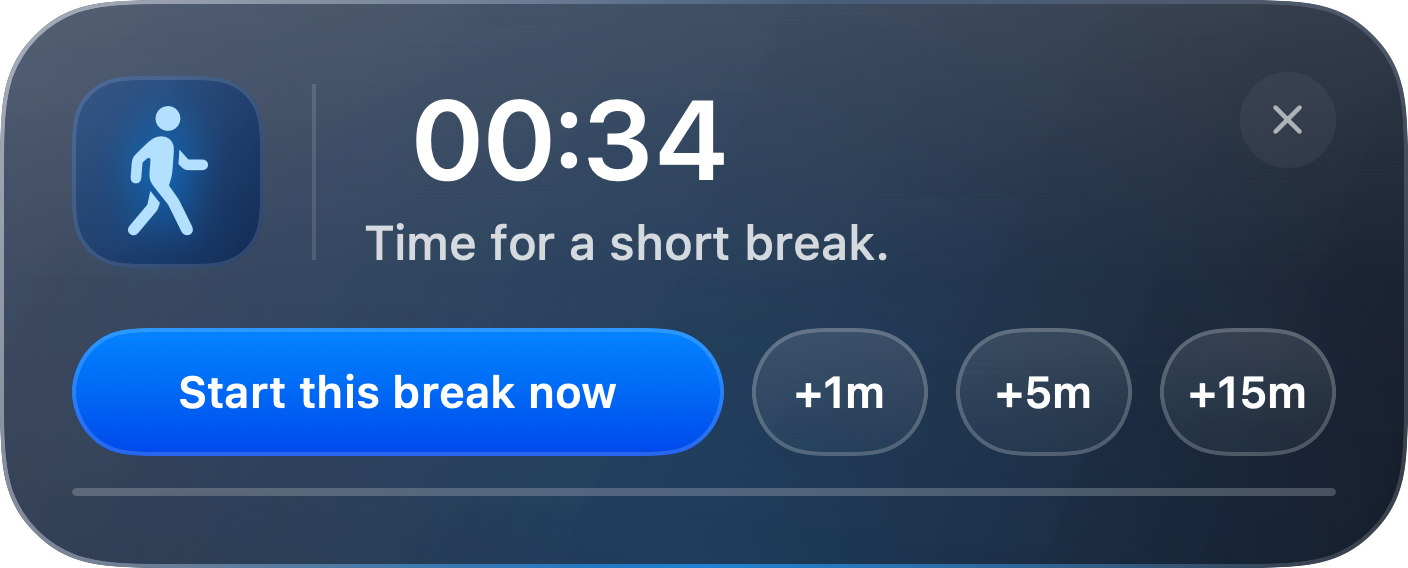
Native upcoming break popup with start now and snooze options
TASKS & NOTES

Give your priorities
a place to come back to.

Todo. In progress. Done. All saved on your Mac.
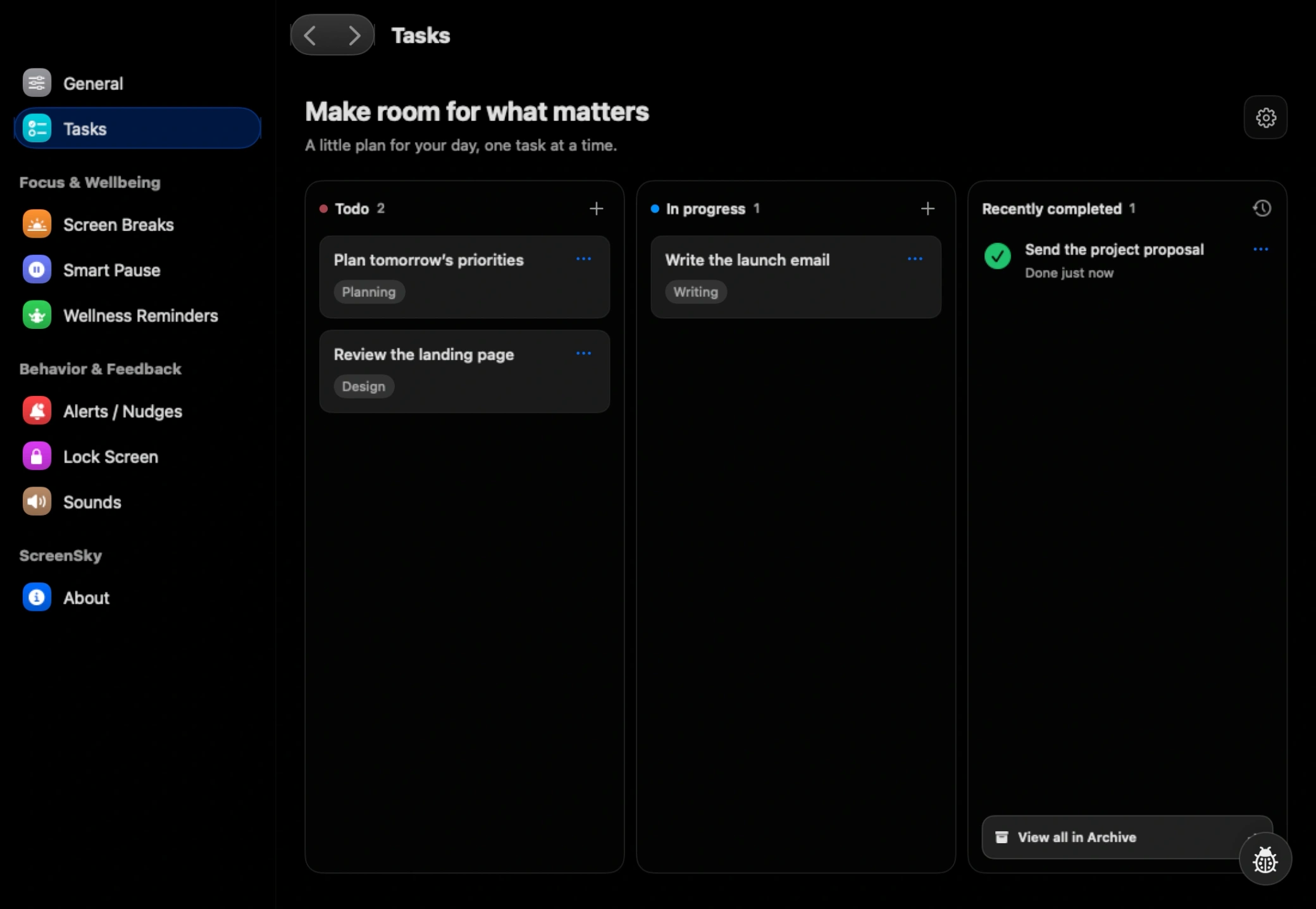
ScreenSky’s current native task board with Todo, In progress and recently completed tasks
YOUR OWN LITTLE ESCAPE

Make the pause yours.

Choose a background. Set the mood.

Alpine quiet
YOUR RHYTHM

A routine
that fits you.

45minutes
between check-ins

Try a rhythm. Set yours in the app.

Notice the detour. Choose what comes next.Meet ScreenSky
Your work, close at hand

A board for your next step

Move tasks between Todo, In progress, and Done. Add notes for context and use Control + Space to capture a task without opening the board. Completed tasks remain available in the archive, with settings for when they leave the board.

Your tasks and archive stay on your Mac. ScreenSky is Mac-only. iPhone sync and cross-device task sync are not available.

A rhythm of your own

Break timing that fits your work

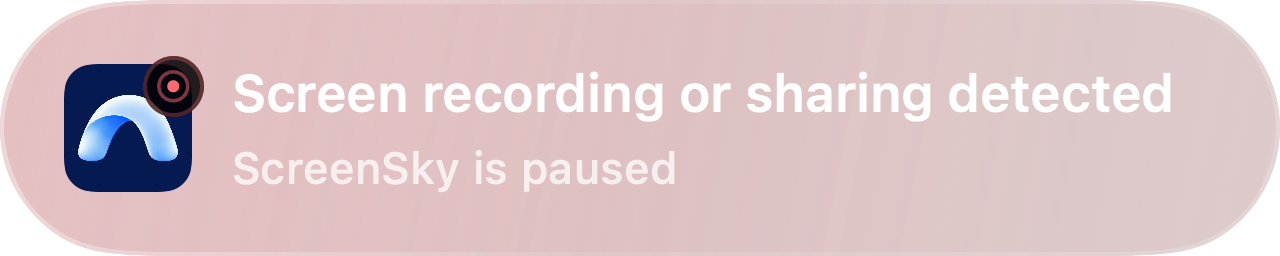
Configure work intervals, short and long breaks, working hours, and snooze rules. Smart Pause can hold the timer during microphone use, audio playback, selected apps, or time away. Optional detection depends on app behavior and macOS permissions, so it may not catch every session.

Follow the daily flow in How ScreenSky Works, or read the Frequently Asked Questions for timing and permission details.

Try a work and break cycle in your browser with the free Work Break Timer.

Start with a little more balance

Try it on your Mac

Download ScreenSky for Mac to start a 3-day free trial with no credit card required. See pricing for the one-time license and included updates.