Tasks. Focus. A little room to pause.
How ScreenSky Works
Capture your tasks, focus on your next step, and make room to step away.
Capture tasks and choose your next step
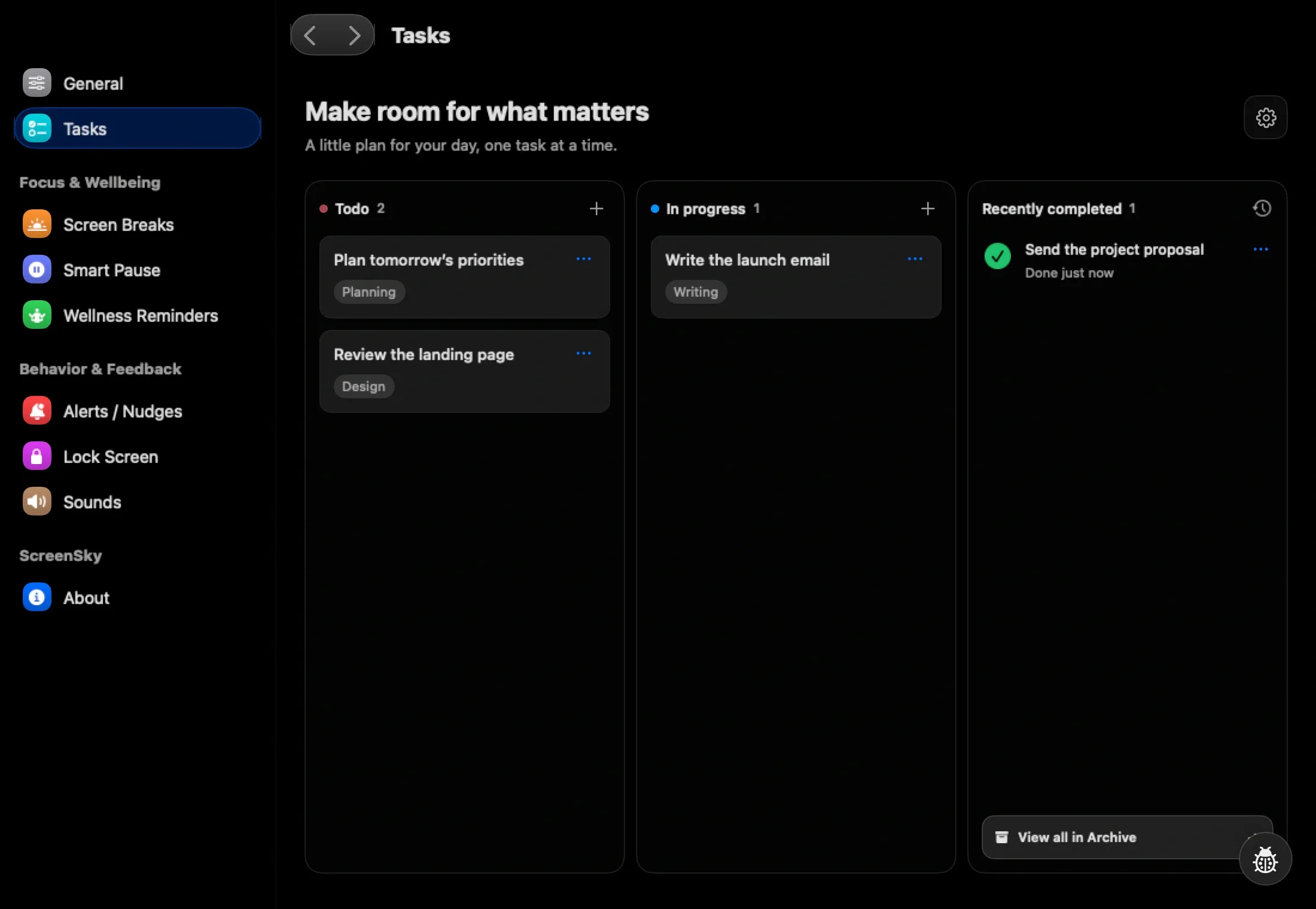
Use Control + Space for quick task entry, add notes, and move tasks through Todo, In progress, and Done. Your local board keeps the next step close while you work.

Get a heads-up before a break
When enabled, the upcoming-break popup appears at 60 seconds remaining and stays for eight seconds. Start the break immediately or delay it by 1, 3, or 5 minutes. Each delay is available once until you complete a break. An optional floating countdown shows the final 15 seconds.

Configure Smart Pause to hold the timer during supported calls, audio playback, selected apps, or time away. Optional detection can require macOS permissions and varies by app.
Take a healthy screen break
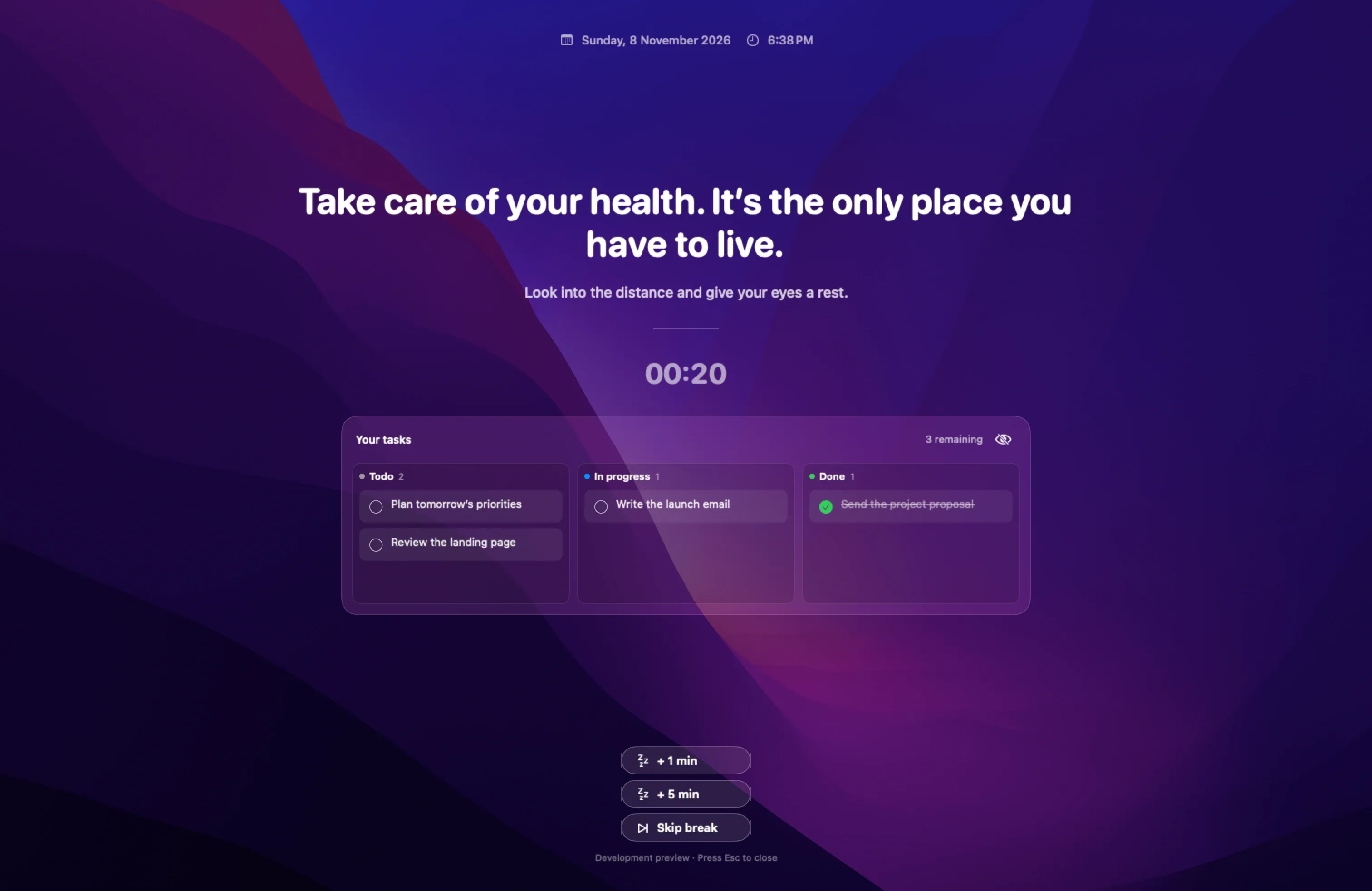
Step away during your short or long break. Show pending tasks on the break screen or hide the task panel for a quieter pause. Personalize the background and message, and choose reminder sounds and volume in Settings.