
Best Break Reminder Apps for Mac: Find Your Fit
By ScreenSky · · Updated
Compare six Mac break reminders by meeting controls, break schedules and task resumption. Use an honest trial checklist to find a fit for your workday.
On this page
The moment that tells you whether a break app fits is when its timer ends at the wrong time. You might be halfway through explaining something on a call, waiting for a test to finish, or about to hit Save. A reminder you routinely dismiss becomes part of the wallpaper.
Start with LookAway if you want Mac break, blink, and posture prompts with activity-aware pausing. Try Time Out if you want separate microbreaks and longer breaks with detailed rules. Start with Stretchly if you switch between operating systems. Choose BreakTimer for working hours and configurable reminders across desktop platforms. Consider DeskRest for break activity tracking. Consider ScreenSky if you want a local task board alongside scheduled breaks.
Six break reminders compared
ScreenSky publishes this guide and is one of the apps included. This comparison uses official documentation. The trial below is a checklist for your own Mac and schedule.
| App | Best fit | Platform | Pricing model | First thing to check |
|---|---|---|---|---|
| LookAway | Reminders around calls, with posture and blink prompts | macOS 13 or later, with an optional iPhone companion | One-time license, with one year of updates and optional renewal | Try Smart Pause with the call and recording apps you use |
| Time Out | Separate microbreaks and longer breaks | macOS | Free core features, with optional paid upgrades | Check which scheduling or rule options require an upgrade |
| Stretchly | Suggestions for what to do on a break | macOS, Windows, Linux | Free and open source | Try its default reminders before deciding which intervals to change |
| BreakTimer | A configurable schedule across desktop systems | macOS, Windows, Linux | Free and open source | Set working hours and see how skip and snooze fit your day |
| DeskRest | Break prompts and a record of the breaks you take | macOS 14.2 or later | Free download, with paid features listed by the developer | Check which reminder styles and activity stats you want |
| ScreenSky | A local task board alongside break reminders | Apple silicon Mac, macOS 14.4 or later | One-time plans for one Mac, with different update terms | See whether the task list helps you resume after a break |
The workday that should decide
Lots of calls. Start with LookAway and enable only the kinds of pause detection you need. Use the same video-call app and microphone setup you use at work. Notice when the timer resumes after you leave a call.
LookAway
LookAway combines screen breaks with posture and blink reminders. Its Smart Pause options cover calls, video playback and selected activities. Try it with your usual meeting tools before relying on detection. The direct license offers one-year and lifetime update options; check current pricing.
Time Out

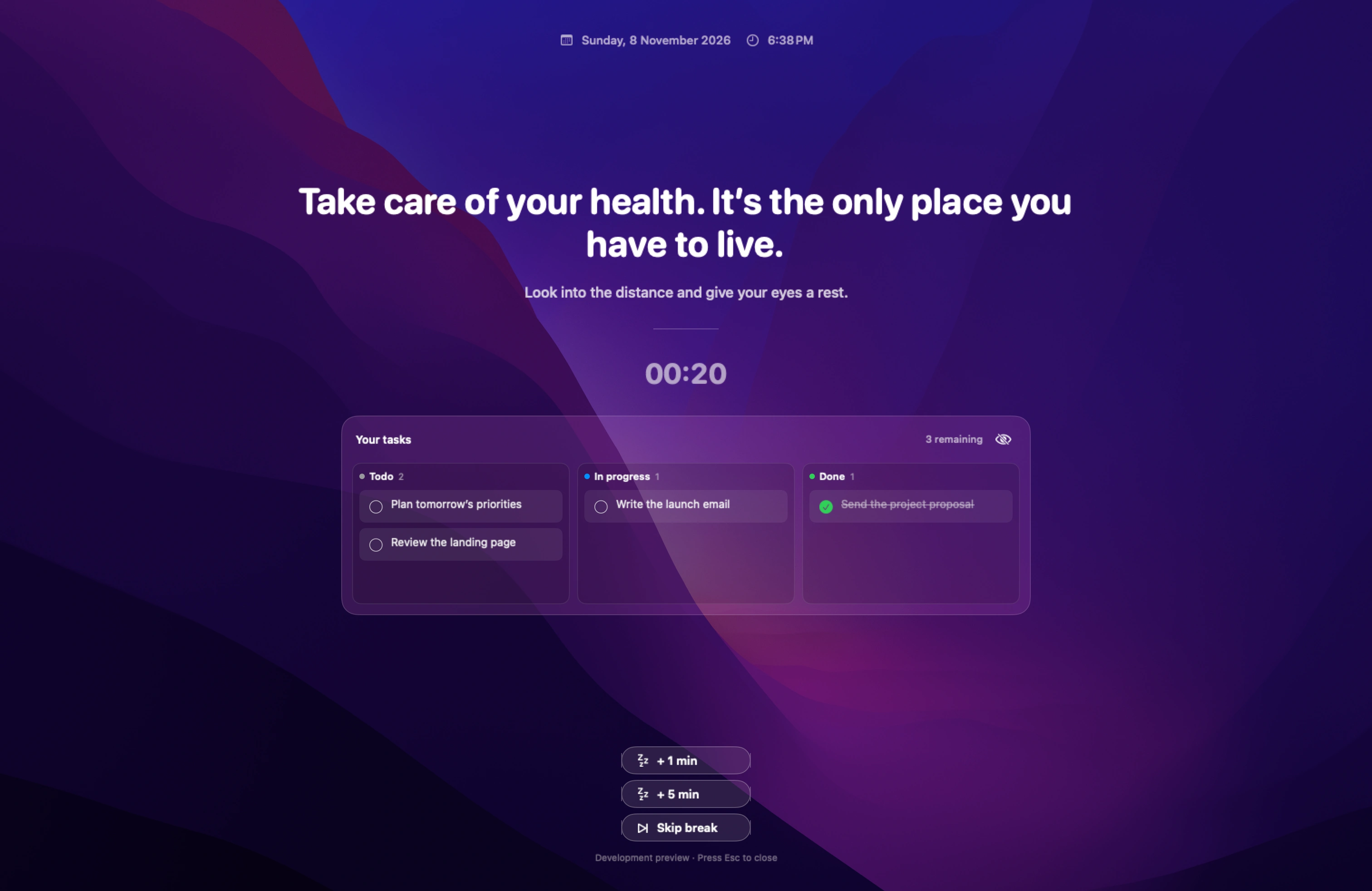
Time Out gives you separate schedules for very short pauses and longer ones. Start with one of each. ScreenSky also has short and long breaks, with the option to show pending tasks when a break starts. If detailed break scheduling is your main reason for switching, try Time Out’s controls in a regular desk session.
Stretchly

Stretchly has installers for macOS, Windows, and Linux. Its default schedule includes mini and long breaks, and the reminder can suggest something to do during the pause. Use a similar schedule on both machines if you want a familiar routine. ScreenSky is Mac-only and makes more sense if you also want a local place to track your next task.
BreakTimer
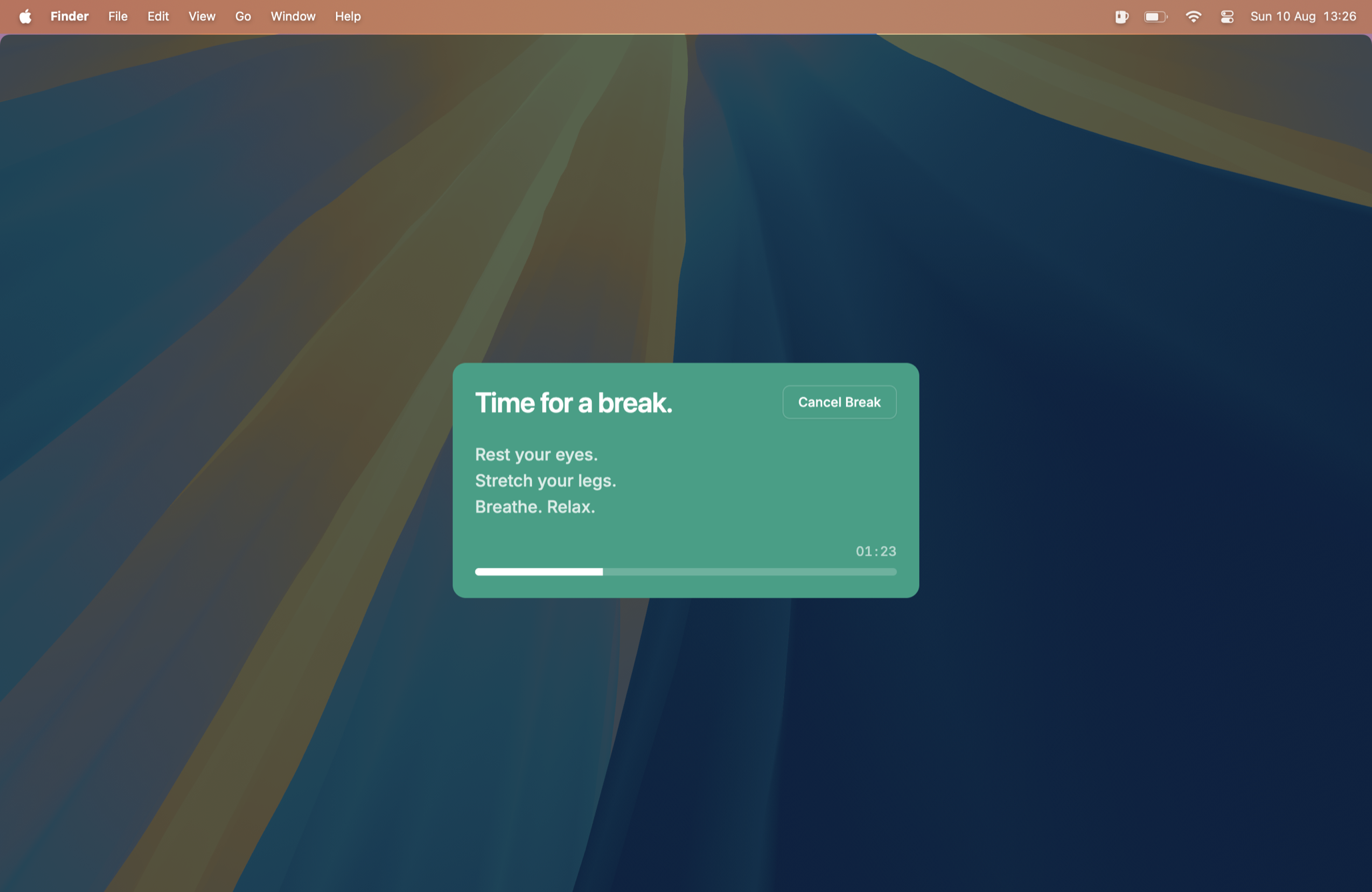
BreakTimer lets you set working hours, choose how often breaks arrive, and skip or snooze an upcoming reminder. It runs on macOS, Windows, and Linux. If you use one of those other operating systems at work, start there. If you work on a Mac and want to keep pending tasks close to the timer, try the same schedule in ScreenSky and see what you open after the break.
DeskRest

DeskRest offers customizable short and long breaks and tracks break activity. Try it if you want to look back on how often you stepped away. ScreenSky is a better fit if your main question after the break is what you were working on. Test each app for one morning and check which information you actually use.
ScreenSky

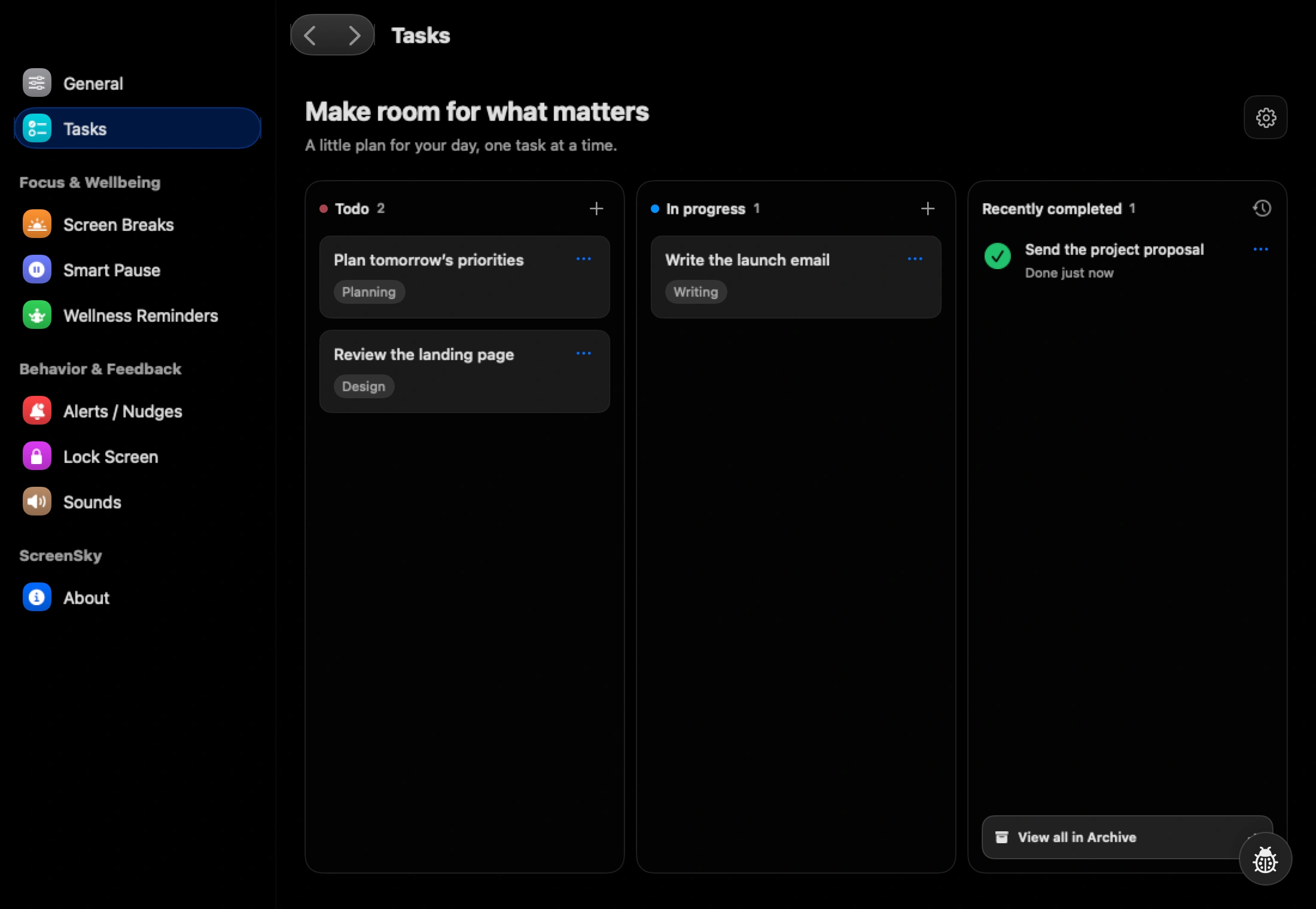
Several tasks open at once. ScreenSky puts a task board beside the break routine. If you need to remember what you were working on, move your current task into progress and write the next action in its notes. See whether that saves you from reopening the wrong window when you return.
A 30-minute trial you can repeat
- Schedule the first reminder a few minutes into a task you already need to do.
- Let one reminder arrive during typing, a call, or playback. Record what happens and whether you can recover the reminder afterward.
- Take the next break. When you come back, notice whether your first action is to resume the task or to search for where you left off.
- Repeat the same scenario in a second app. Pick the one whose reminders you would keep turned on.
For a quick baseline, run a work and break cycle in your browser and leave yourself a one-line resumption note before you step away.
Questions to ask before choosing a break reminder
What is the best free break reminder app for Mac?
Start with Stretchly or BreakTimer if you want an open-source desktop app. Time Out offers free core features with optional paid capabilities. Check the current download requirements and which controls are included before choosing.
Which break reminder fits calls and focused work?
LookAway documents automatic pausing for calls and other activities. ScreenSky also offers configurable Smart Pause. Enable the options you need, check permissions, and test your own call app; documentation alone cannot establish how either app behaves in your setup.
Can I try a break reminder timer without installing an app?
The free browser work-break timer lets you try intervals without an account. Keep the tab open and start each interval yourself. For automatic Mac reminders, see the ScreenSky break reminder timer.
When is ScreenSky a good fit?
Choose ScreenSky if you want Mac break reminders and a local task board together. It also has blink prompts and eye-break reminders. It requires an Apple silicon Mac with macOS 14.4 or later. Try it free for three days, then check current one-time plans and update terms. It does not offer iPhone task sync or shared task lists.
What the health research can support
A 2022 meta-analysis found small benefits of micro-breaks for fatigue and vigor, but no statistically significant overall performance improvement. It combined varied tasks and interventions, rather than comparing these six apps.
Use research to inform the habit, then evaluate the software by whether it helps you carry it out. A feature list, completed countdown or recorded break does not establish a medical outcome. None of the study results here should be read as a clinical test of ScreenSky.
For the habit itself, see the 20-20-20 setup and evidence guide and the desk-day break schedule.
Sources
- Albulescu et al. (2022): Micro-breaks and well-being meta-analysis (checked )
- LookAway system requirements and features (checked )
- LookAway Smart Pause (checked )
- LookAway pricing (checked )
- Dejal Time Out current features (checked )
- Dejal Time Out feature overview (checked )
- Time Out 3.1 release notes (checked )
- Stretchly default behavior (checked )
- Stretchly installers and license (checked )
- BreakTimer schedules and platforms (checked )
- DeskRest reminders and break statistics (checked )
- ScreenSky one-time plans (checked )
- ScreenSky features and requirements (checked )

