
THE 2027 MAC BREAK APP GUIDE
Find a pause
that fits your day.
Break reminder alternatives for Mac in 2027. Compare the tools you know, understand their tradeoffs, and choose a routine you can keep.
Find your comparison ↓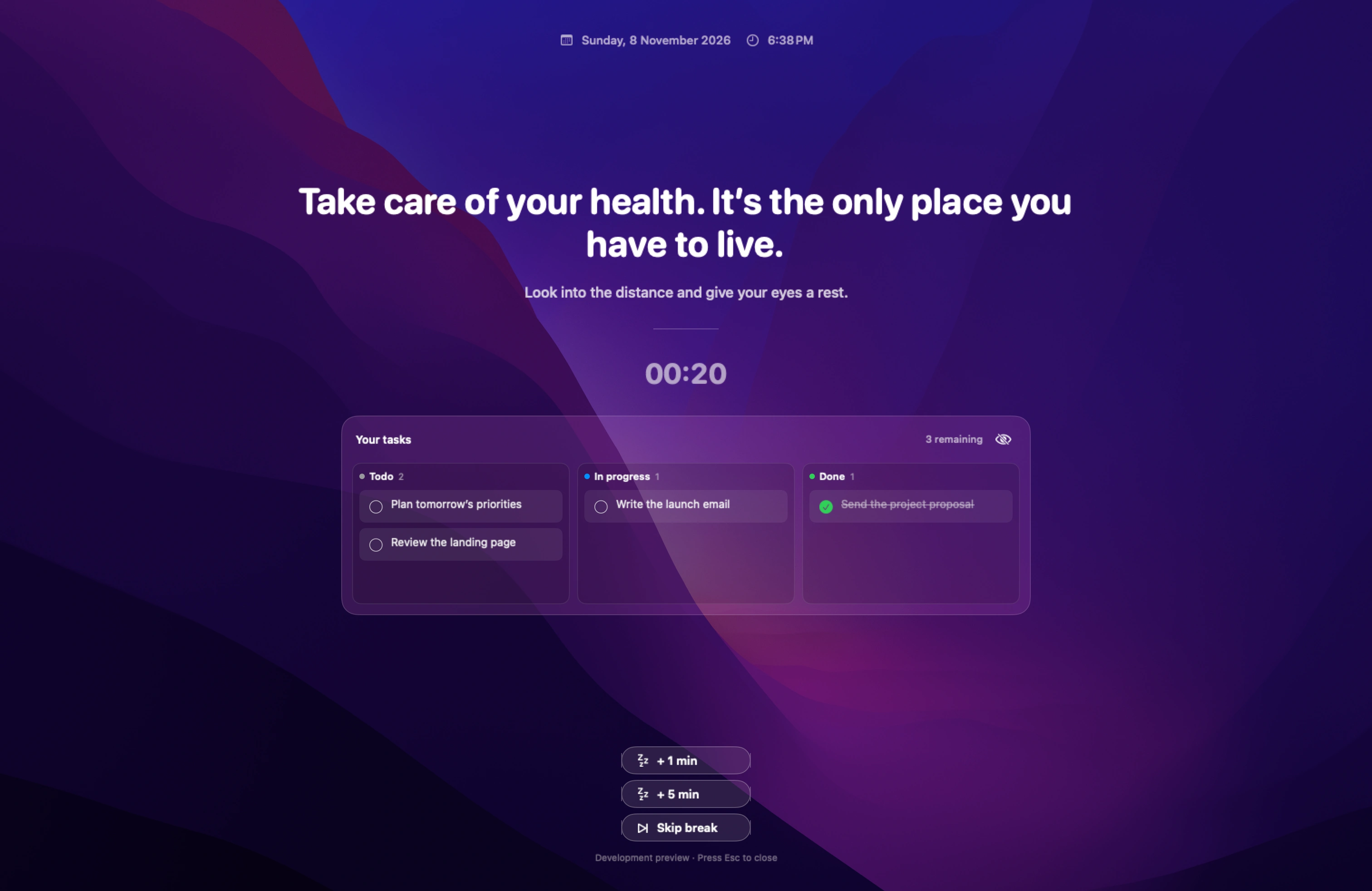
Published by ScreenSky · Sources checked 18 November 2026 · 2027 guide edition. These are documentation-based comparisons, with official pricing and feature sources. Prices and availability can change.
Start with the app you know.
From smart reminders to strict screen locks. Each guide asks a different question.
 01
LookAway alternatives
Smart breaks, posture and blink reminders
Choose LookAway when breaks need to follow you beyond your Mac. Mirror is a meaningful advantage if you reach for an iPhone during a desktop break.
Compare the options ↗ 02
Time Out alternatives
Customizable break schedules
Time Out is the strongest fit here for people who want to tune the break system itself: Normal and Micro breaks, rules, themes and actions.
Compare the options ↗ 03
Stretchly alternatives
Free, open-source breaks
Stretchly makes sense when the same free break routine needs to work across a Mac and a Windows or Linux computer. Its public source is another reason to keep it.
Compare the options ↗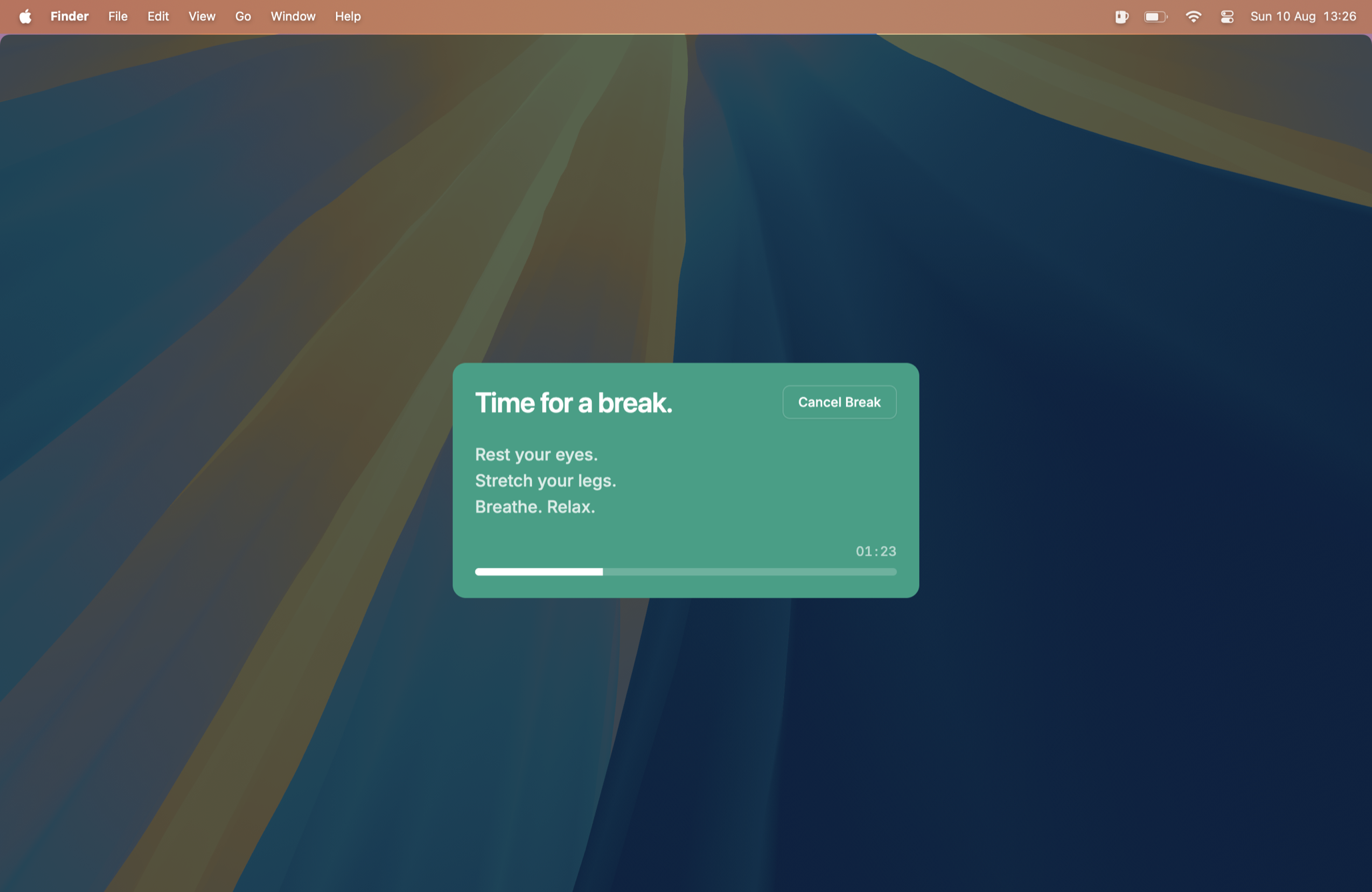 04
BreakTimer alternatives
Simple break scheduling
BreakTimer focuses on the essentials: intervals, break duration, working hours, advance notifications, and skip or snooze controls. That narrow scope is a strength.
Compare the options ↗ 05
DeskRest alternatives
Posture reminders and breaks
DeskRest suits people who want a break habit they can see in statistics, with posture alerts and reminders that can wait during calls or Focus.
Compare the options ↗Pausr alternatives
Smart reminders during work
Pausr centers on the timing of the interruption: eye, back and focus breaks, an advance warning, and deferral during calls and meetings.
Compare the options ↗Rest Time alternatives
Timed full-screen breaks
Rest Time is a good fit for a compact menu bar timer that notices natural time away and turns a scheduled pause into a full-screen break.
Compare the options ↗Viraam alternatives
Hydration, movement and eye breaks
Viraam is worth keeping when several kinds of pause belong in your day, including hydration, movement and eye rest, rather than only a repeating screen timer.
Compare the options ↗Workrave alternatives
Exercise and microbreak reminders
Workrave is useful for a structured desktop routine with frequent microbreaks and exercises. The key Mac buying decision is release maturity, not its price.
Compare the options ↗Pandan alternatives
Tracks time spent at the computer
Pandan answers “how long have I been here?” with a menu bar timer and session history. It can give gentle interval reminders while leaving the decision to stop with you.
Compare the options ↗Restier alternatives
Guided stretches and eye breaks
Restier makes the pause more structured through guided breathing, visual resets, posture cues and gentle mobility. That matters if a blank countdown leaves you unsure what to do.
Compare the options ↗StandLock alternatives
Strict screen-locking breaks
StandLock is the most direct choice here when the problem is repeatedly dismissing breaks. Its Strict mode blocks keyboard and mouse input, with an emergency key combination.
Compare the options ↗Caesura alternatives
Minimal break overlays
Caesura suits people who want to choose how visible each reminder is. Water, movement and eye prompts can use an overlay, banner or notification instead of one presentation for everything.
Compare the options ↗Recess alternatives
Guided breaks and meeting-aware timing
This comparison covers Swiftfox Studio’s Recess, a native Mac break coach with separate eye and body cadences, guided full-screen overlays and a weekly report.
Compare the options ↗Mochi Genie alternatives
Water, posture and eye reminders
Mochi Genie is a good fit if a small animated companion makes prompts easier to notice. It combines water, stretch, eye and posture reminders with optional app time-awareness tools.
Compare the options ↗