Screen Fatigue: Eye Discomfort and Mental Tiredness
By ScreenSky · · 3 min read
Distinguish eye discomfort from mental tiredness, learn what micro-break research found, and choose a pause that changes the demand of your next task.


On this page
“Screen fatigue” can mean sore eyes, difficulty concentrating or both. Naming the demand helps you choose a next action: dense visual work, a long run of decisions and a day of calls may need different adjustments.
Two problems can happen together
If reading feels uncomfortable or your eyes feel gritty, inspect the visual task and seek eye-care advice for recurring symptoms. National Eye Institute guidance explains possible dry-eye symptoms.
If vision is clear but you cannot follow a complicated problem, examine the session itself. How many messages, decisions and unfinished tasks compete for attention? Describing all tiredness as blue-light damage would obscure that distinction.
What micro-break research supports
A 2022 review and meta-analysis analyzed 22 independent samples with 2,335 participants. It found small improvements in vigor and fatigue from micro-breaks. The overall performance effect was not statistically significant.
That is more useful than promising every pause will make you faster. Studies used different activities and interventions, and were not trials of ScreenSky. A break can be worth taking without a guaranteed productivity gain.
Change the demand during the pause
After detailed visual review, avoid making another dense article your default break. After a meeting, consider a quiet pause before messages. After a document session, choose something that lets you change position.
Prepare a few options:
- For a very short gap, look away from the window and release the keyboard.
- Between tasks, get water or walk into another room.
- For a longer available break, leave the workstation for an activity that suits you.
These are planning options, not clinically validated doses. Choose something possible in your workplace and adapt when circumstances require it.
Leave the next decision visible
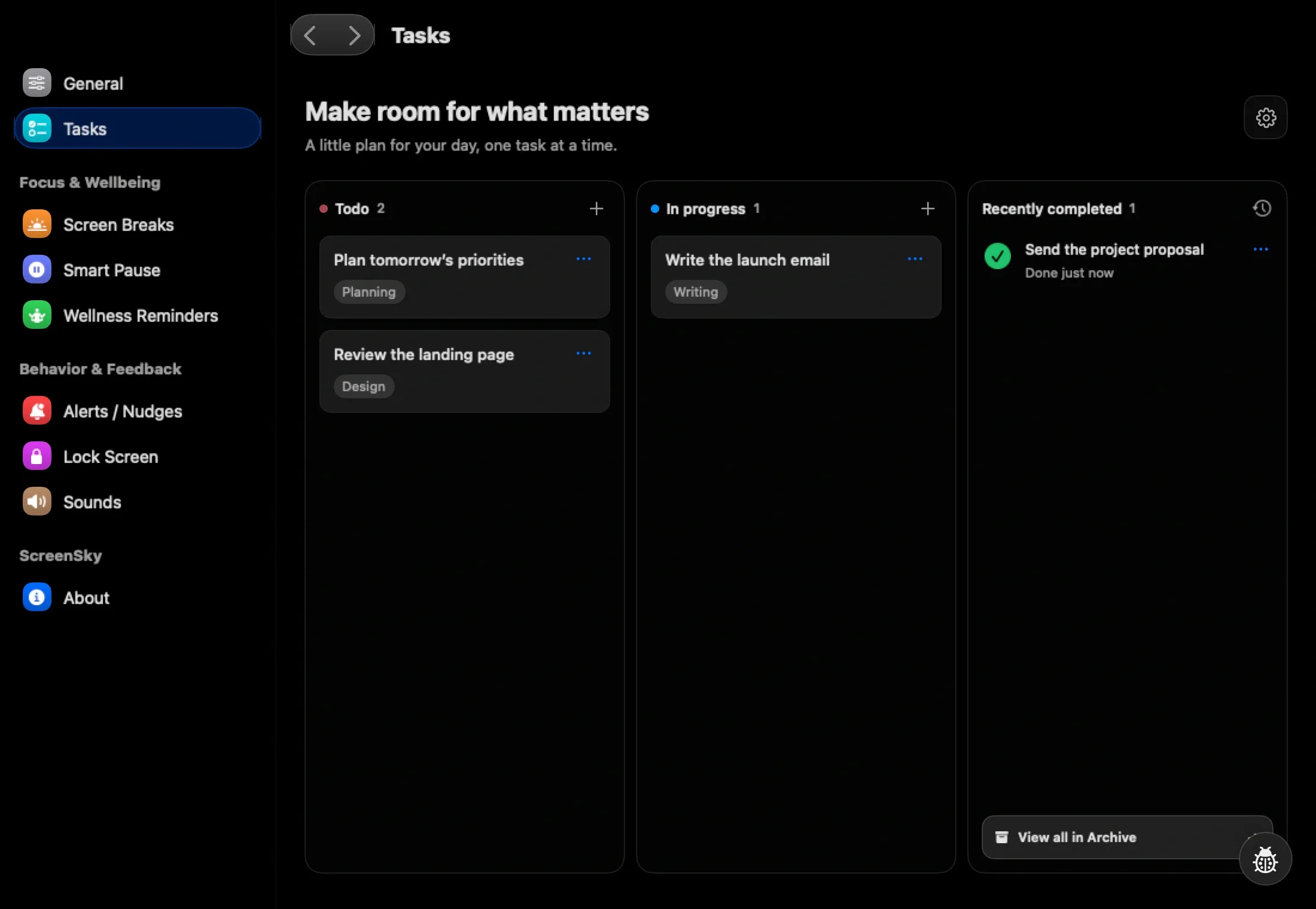
A pause is harder when the whole plan exists only in memory. Before leaving, write the next action, relevant document and unanswered question.
For example: “Open the failed export log; compare the timestamp with the retry event.” It gives the next session somewhere to start. It also makes a task list more useful than a vague inventory of unfinished projects.
Use the resumption guide if returning is the difficult part.
Judge the routine by what happened
At day’s end, note whether you took the pauses and whether the main difficulty was discomfort, attention or workload. Change the part that failed: cue visibility, timing, activity or expectations.
If fatigue is persistent, unexplained or affecting ordinary life, discuss it with a professional rather than assume a screen explains it. Software can organize a pause; it cannot determine the source of exhaustion.