
Guide to Finding the Best Full-Screen Break Timer for Mac
By ScreenSky ·
Compare noticeable Mac break timers and check warnings, skip controls, and what you see when a break takes over the screen.

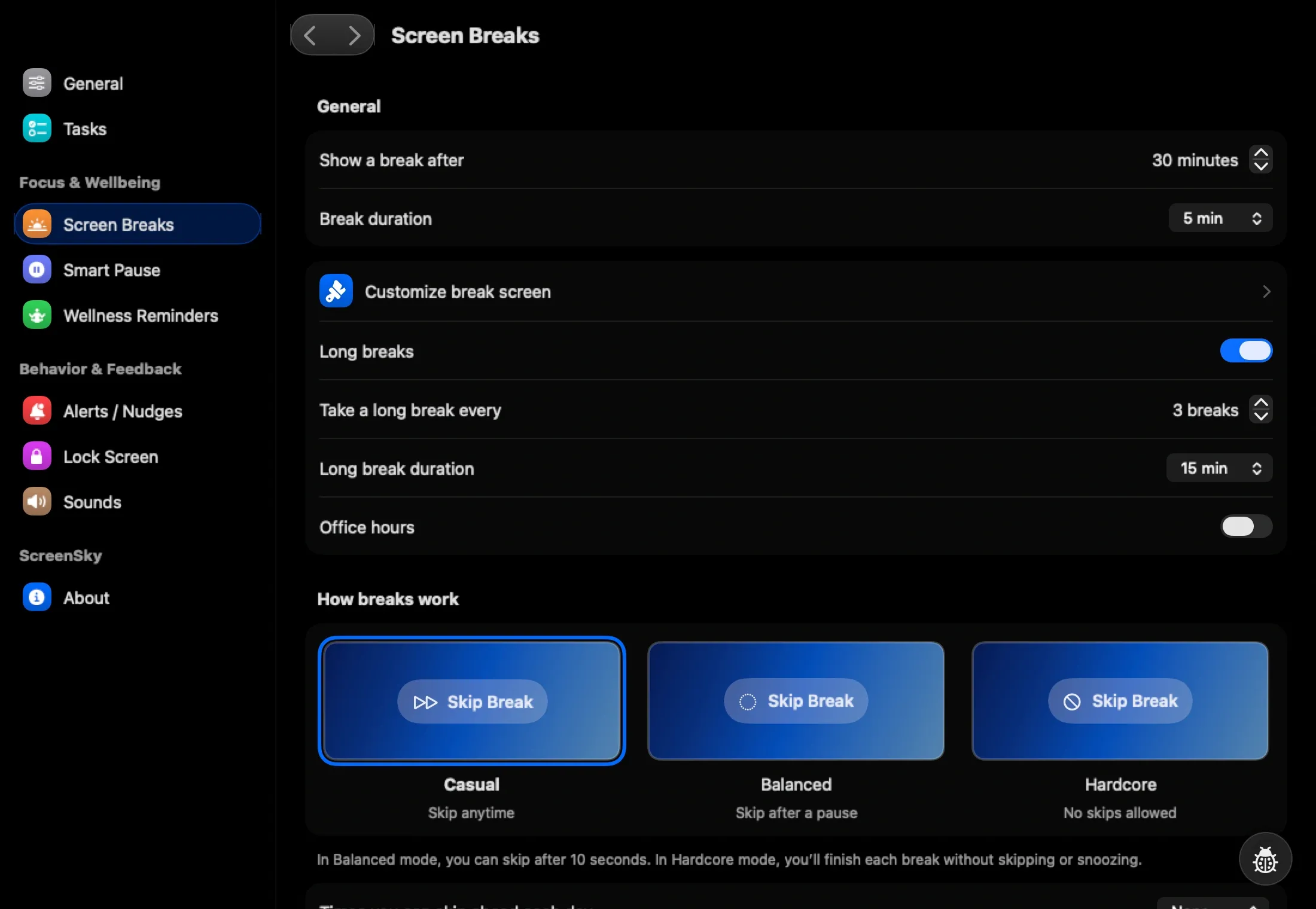
Try a full-screen break timer if pop-up reminders vanish before you act. ScreenSky is a good fit if you want a visible countdown and the option to show pending tasks. LookAway is worth trying if you want comparable screen-break prompts with activity-aware pausing. Start with a short break and an advance warning so you have time to finish the line you are writing.
Choose what the screen should show
A countdown is useful if you need to know when you can resume. If seeing tasks pulls you back into work, choose a plain break screen. If you often come back and open the wrong thing, keep the task you want to resume easy to find. ScreenSky lets you choose whether pending tasks appear during a break.
Check whether the warning offers a delay, and learn how to leave a break early before using the app during a deadline. Some people want a prompt with a visible exit. Other people want to make skipping less convenient. Try the more flexible setting during your first workday so you know which interruptions are predictable.
Run one break under realistic conditions
Open a full-screen document and trigger a short test. Check the warning, the break display, and the controls. Repeat with an external monitor or a screen share if that is how you usually work. A preview inside the app tells you what the overlay looks like. A real test tells you how it behaves with your windows and work settings.
Sources
- LookAway features (checked )
- ScreenSky working intervals and break screen (checked )
- ScreenSky postponement and skip controls (checked )

